New
Channel Watch
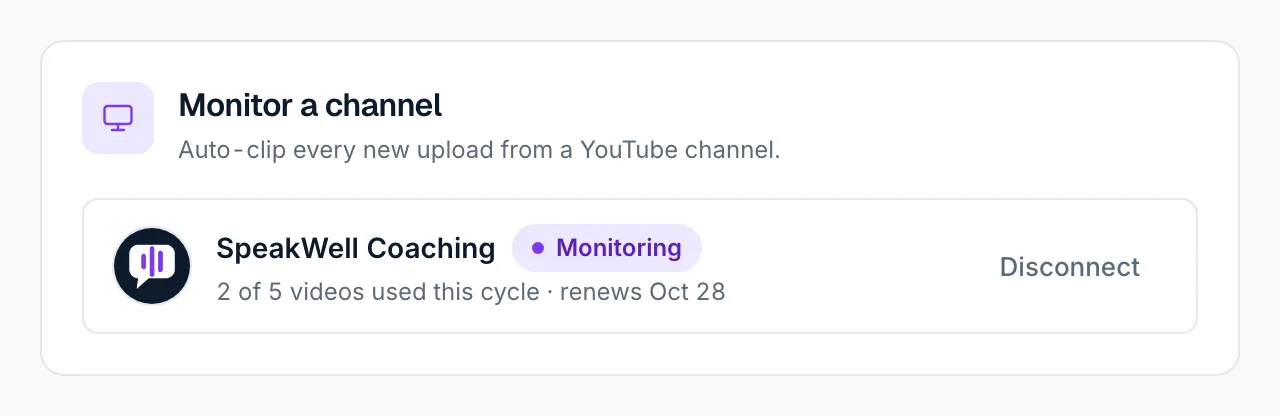
Connect a YouTube channel once. Every new upload is picked up within a day and clipped for you.
In the app it’s “Monitor a channel”. Shorts, live streams and premieres are skipped.
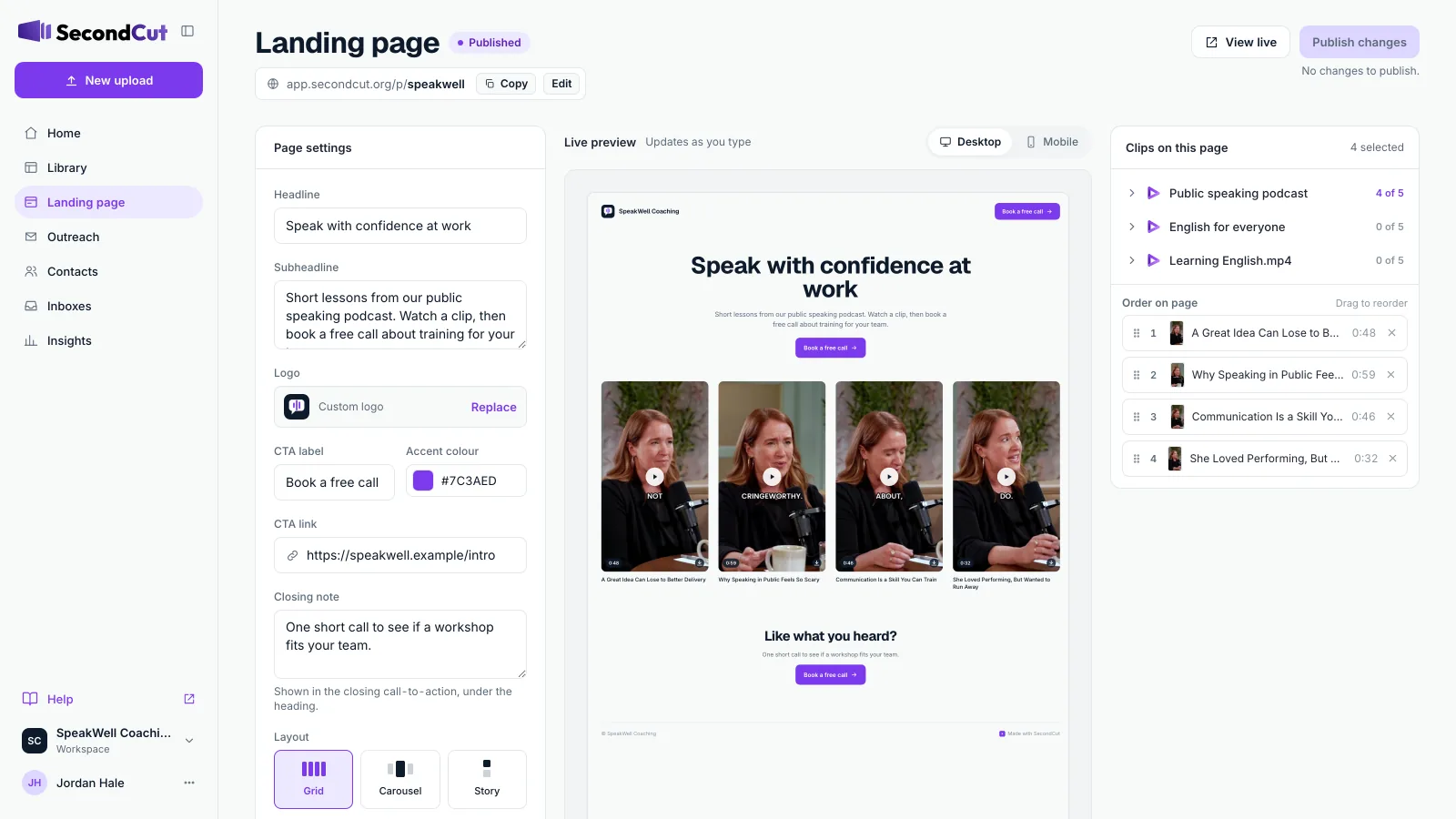
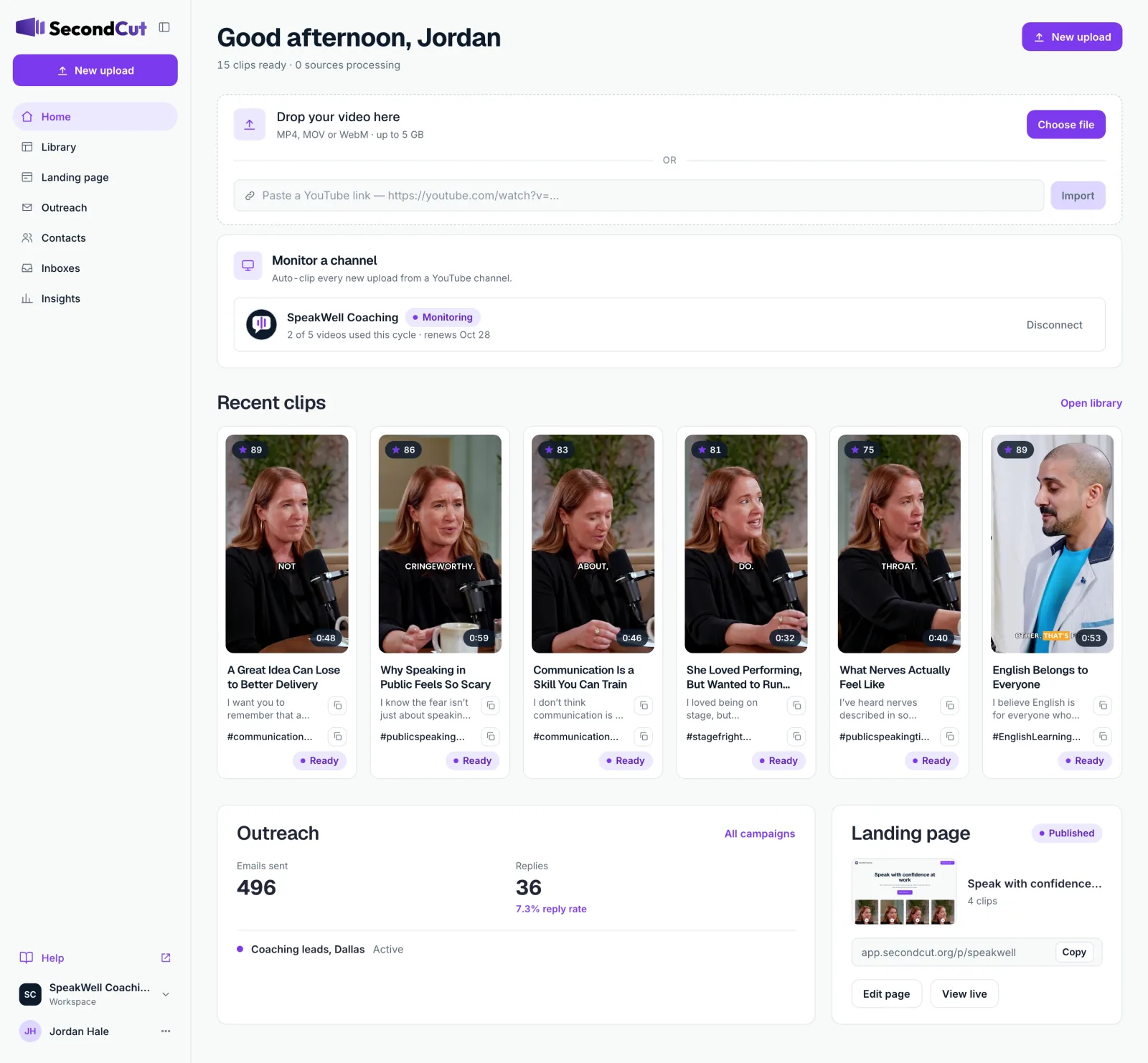
SecondCut finds the best moments, captions them, builds a page to show them off, and emails them to the people you want as clients. All from one workspace.
Clips usually ready in minutes · No editing skills needed
 3 clips out
The problem
SecondCut does the cutting, then the follow-through.
15,000+
customers across our apps
SecondCut is new. The team behind it, InfiniteGoose, already builds software for more than 15,000 customers.
Features
Connect a YouTube channel once. Every new upload is picked up within a day and clipped for you.
In the app it’s “Monitor a channel”. Shorts, live streams and premieres are skipped.
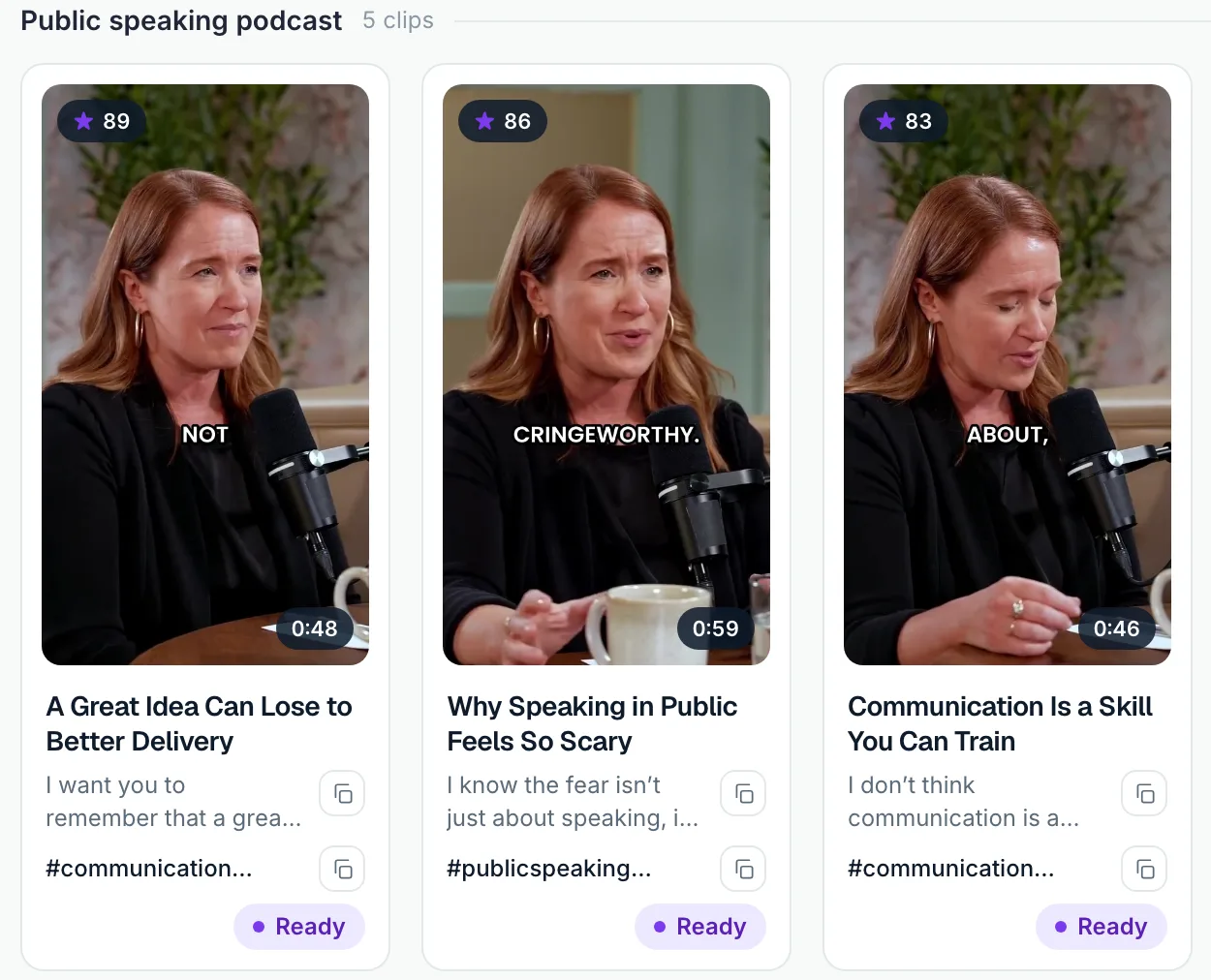
Every clip gets a 0–100 score for how likely it is to stop the scroll, so you know what to post first.
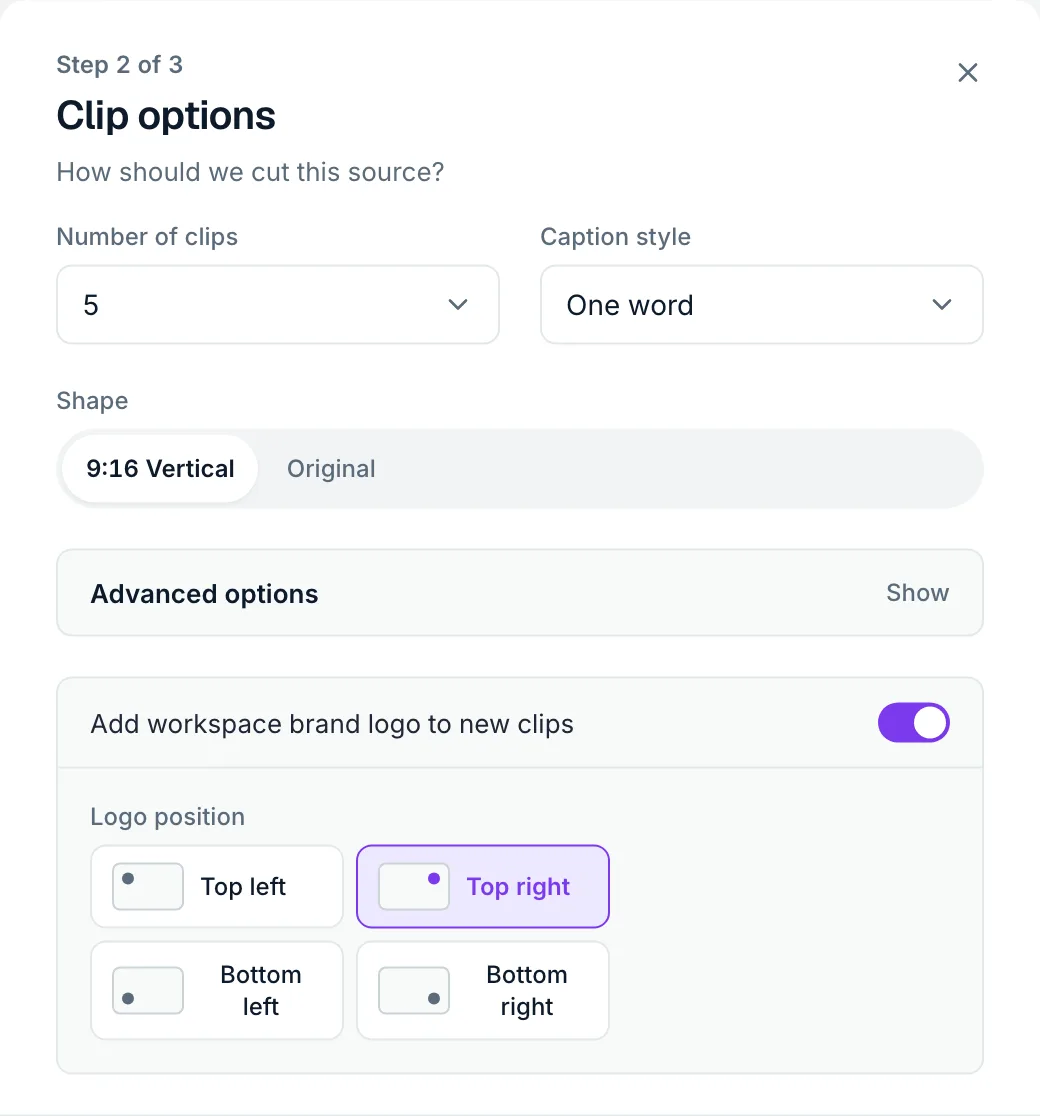
Four caption styles, vertical framing that follows whoever is talking, and your logo in the corner you choose.
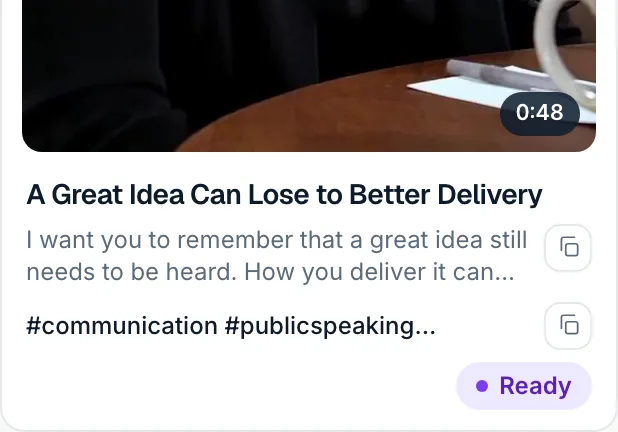
A title, a caption and hashtags for every clip, each one click to copy.
Why SecondCut is different
It doesn’t stop at the clip. SecondCut takes you from a finished clip to a reply in your inbox.
Sample shorts
Two long-form interviews. A tech panel. A life coach. A language teacher. A health show. A sermon. A science podcast.
Every short below came straight out of SecondCut.
Tap any short to watch it with sound.
Who it’s for
Turn every webinar into a week of clips, and send the best ones to prospects.
Get shareable moments from every episode without rewatching it.
Share Sunday’s message all week, in short clips people actually watch.
Pull the lessons that sell your course into short, captioned previews.
Turn market updates and Q&As into clips, plus a page to send to buyers and sellers.
Clip for clients, put their channel on Channel Watch, and pitch new ones from the same app.
Demo
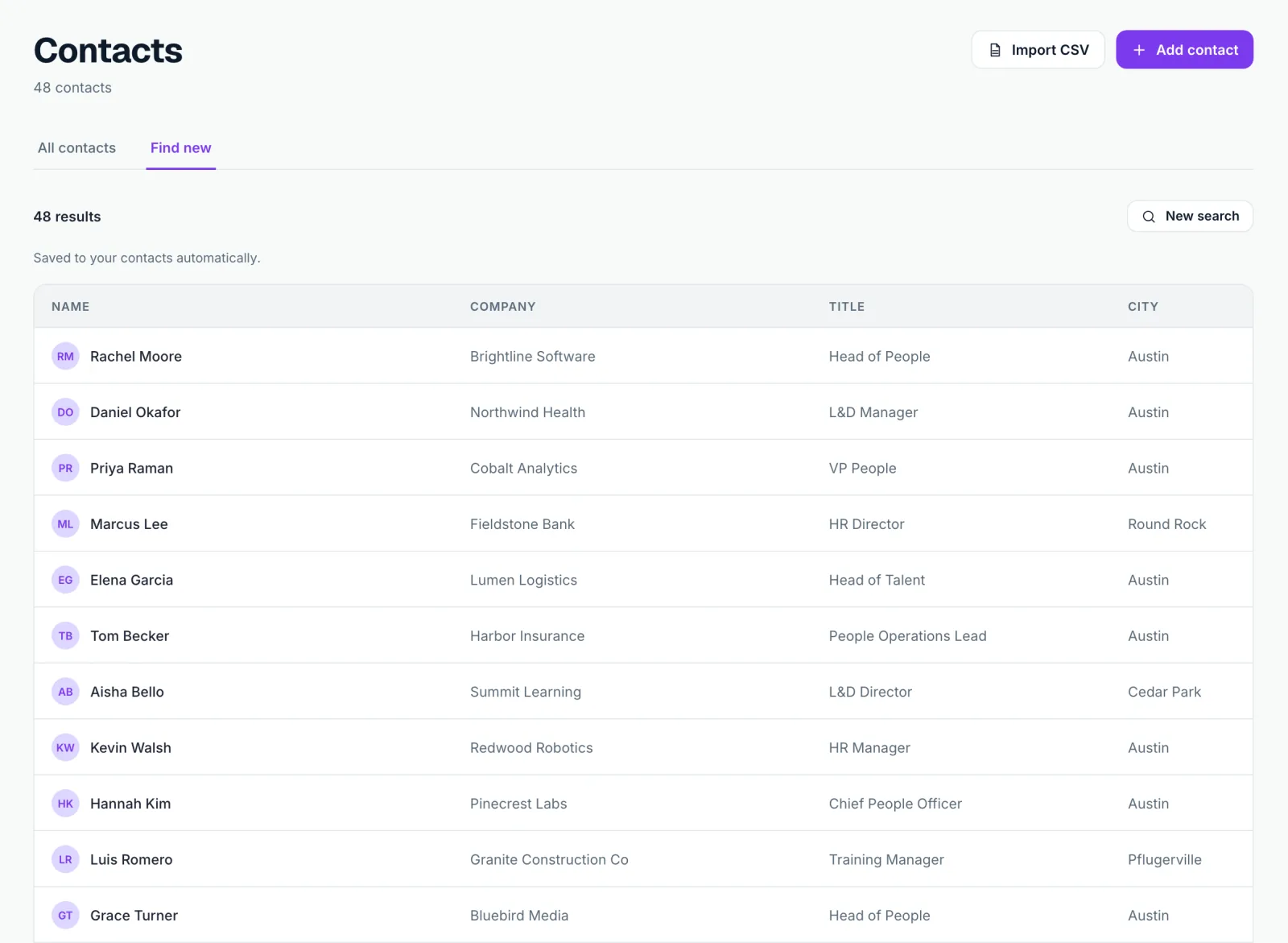
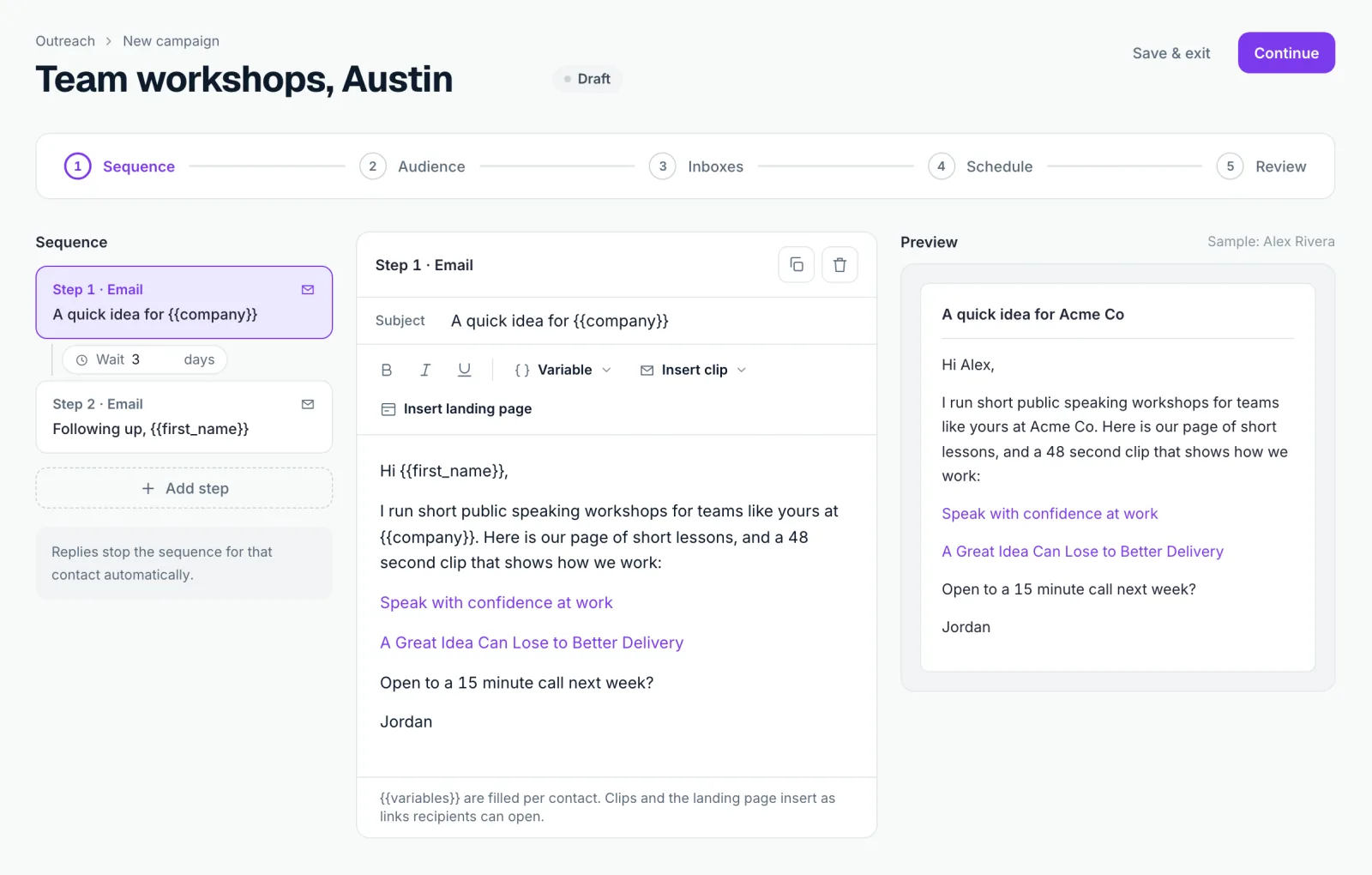
Make clips, pick the best, publish a page, find contacts and launch a campaign.
Pricing
Every plan counts usage in videos. Finding a lead or launching a campaign uses 1 credit from the same allowance.
Questions about pricing in the meantime? Write to us and we’ll answer.
Email support@secondcut.orgPlans count usage in videos. Credits are shared: one video uses 900, and one lead or one campaign launch uses 1.
Drop in one long video. Leave with clips, a page and a campaign.
A YouTube link (public or unlisted), or a video file: MP4, MOV or WebM, up to 5 GB and up to 3 hours long.
You choose 1 to 10 clips per video (5 by default). Each runs about 20 to 60 seconds; SecondCut picks the length that fits the moment.
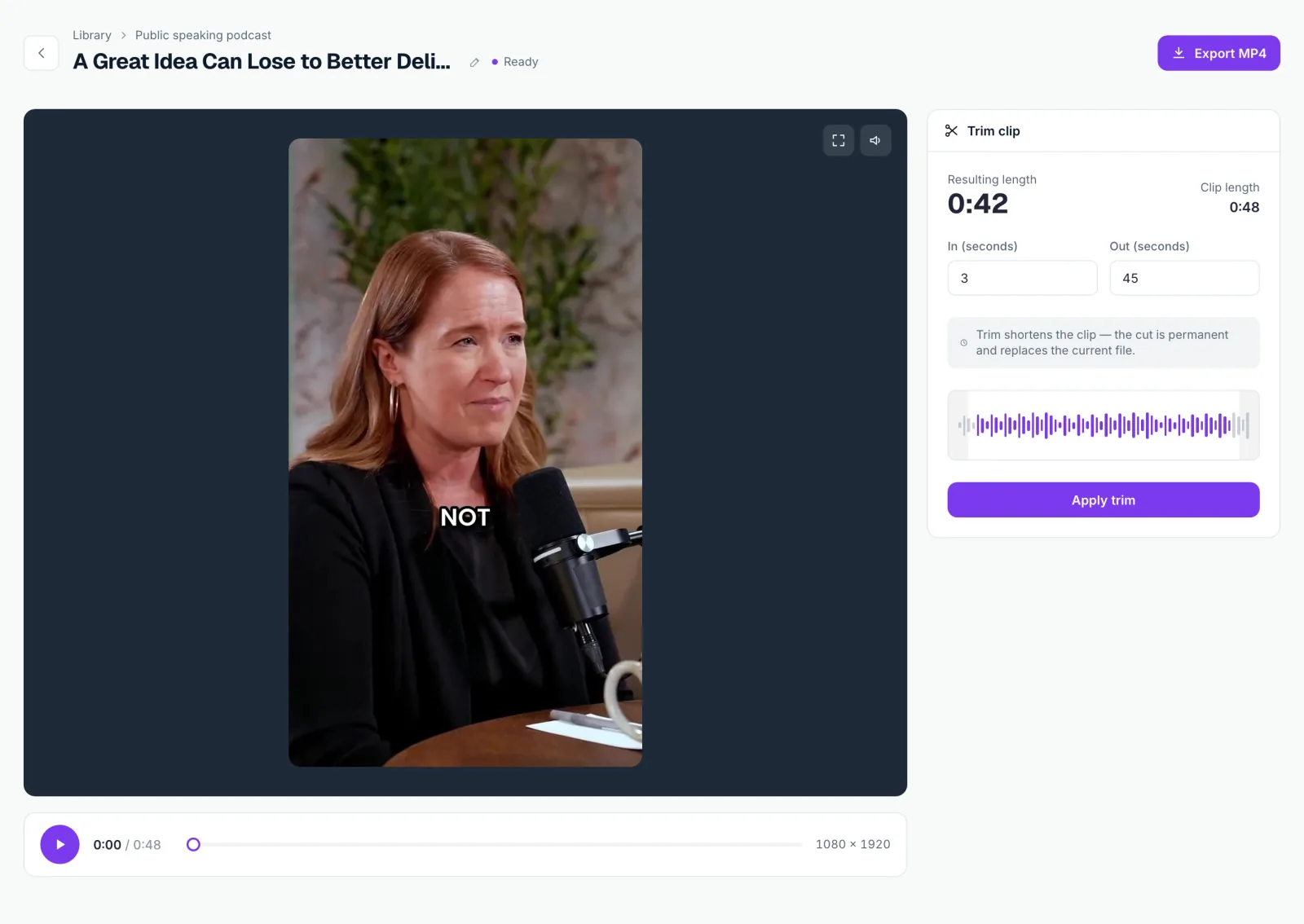
You choose the caption style, position, colours and logo before clipping. Afterwards you can trim a clip, but the captions are burned in.
No. You download each clip as an MP4 with captions burned in, and its title, caption and hashtags are ready to paste wherever you post.
Connect one YouTube channel per workspace by pasting its link or @handle. SecondCut checks it once a day and clips each new upload. Shorts, live streams and premieres are skipped, only videos published after you connect are picked up, and if a video fails to clip, its credits come back.
Your own Gmail, or any inbox that supports SMTP. Emails carry links to your clips and your landing page, and a reply stops the sequence for that contact.
Each plan comes with a monthly allowance counted in videos. Finding a lead or launching a campaign uses 1 credit from the same allowance, and the allowance renews every month.